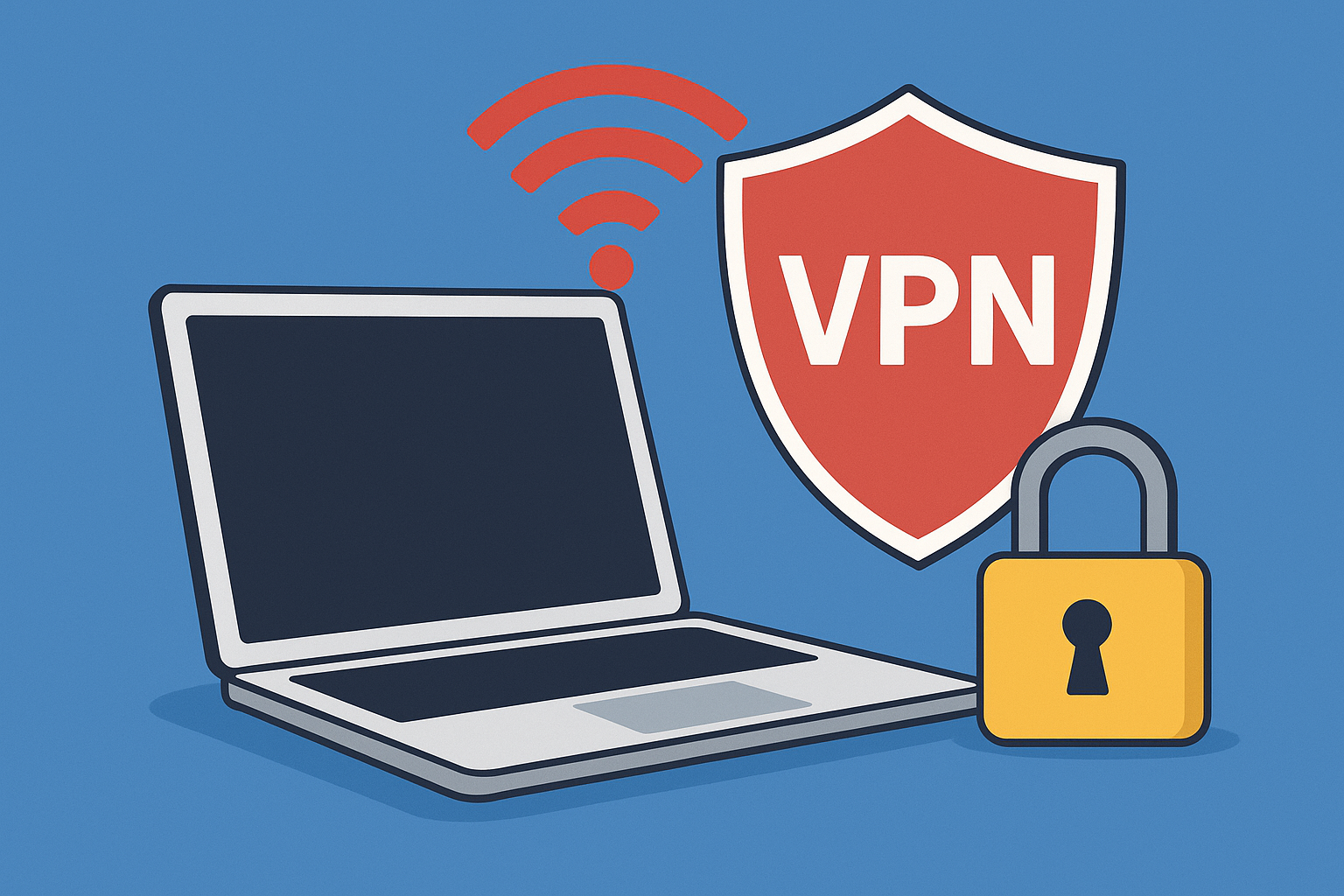
Public Wi-Fi is convenient, but it's also a hotspot for cyber threats.
Whether you're working in a café or checking maps at an airport,
unsecured networks can expose your personal information.
Here are 7 key tips to help you stay safe when using public Wi-Fi.
✔️ 1. Avoid Accessing Sensitive Accounts
Never check your bank account, enter passwords, or access sensitive data over public Wi-Fi.
Use mobile data or wait until you're on a secure network.
✔️ 2. Use a VPN
A Virtual Private Network (VPN) encrypts your connection, making it harder for hackers to intercept data.
Many reliable free and paid VPNs are available for mobile and desktop use.
✔️ 3. Turn Off Auto-Connect
Disable your device's auto-connect feature to prevent it from joining unknown networks without your permission.
✔️ 4. Use HTTPS Only
Make sure the websites you visit use HTTPS, not just HTTP.
Look for the padlock icon in your browser to confirm.
✔️ 5. Avoid File Sharing
Turn off file-sharing settings on your device when connected to public Wi-Fi.
This reduces the risk of others accessing your files.
✔️ 6. Log Out When Done
Always log out of any websites or apps you’ve used, especially social media or shopping sites.
✔️ 7. Forget the Network
After you disconnect, make your device “forget” the network so it won’t reconnect automatically later.
Staying secure doesn’t have to be complicated—
just a few mindful habits can protect your privacy anywhere you go.